Ferrum Nexus
Your gateway, open to developers.
The multi-user developer portal in front of Ferrum Edge. Providers publish APIs from OpenAPI specs, clients discover them, request access and issue their own credentials. Every approval, message and change is audited, and every gateway change happens server-side.
- Status
- v0.3.0Released October 1, 2026
- Runs as
- Web portal + backendTagged source build; build the image from
docker/Dockerfile - Built with
- React 19, Fastify 5Strict TypeScript; PostgreSQL, MySQL, SQLite or MongoDB
- Ferrum Edge
- Paired with v0.9.9Other Edge versions are unverified
Everything Between a Spec and a Credential
Nexus owns accounts, approvals, messaging, branding, audit history and the catalog. Ferrum Edge keeps owning proxies, plugins, consumers and credentials.
OpenAPI in, proxy out
Publishing an OpenAPI spec creates the Edge proxy and its auth, access control, rate limit and CORS plugins on a staging path, then cuts over. A failed step rolls back what it created.
Approvals as ACL grants
Approving a request adds the API's ACL group to the client's gateway consumer; revoking removes it. Access is enforced by Edge, not only remembered by the portal.
Show-once credentials
Clients issue, rotate and revoke API keys, basic auth passwords and JWT secrets. Secrets are shown once and stored only on Edge; Nexus keeps a fingerprint and the last four characters.
Applications
One account can keep its integrations apart. Each application is its own gateway identity with its own approved APIs and credentials; account-level access remains the default.
Messaging and notifications
Client-to-provider and platform threads, bell notifications, broadcasts and transactional email through a durable outbox. v0.3.0 adds specification-change history and notices, plus OpenID Connect sign-in with PKCE; SMTP is needed for email delivery and most existing-account links.
Audit everything
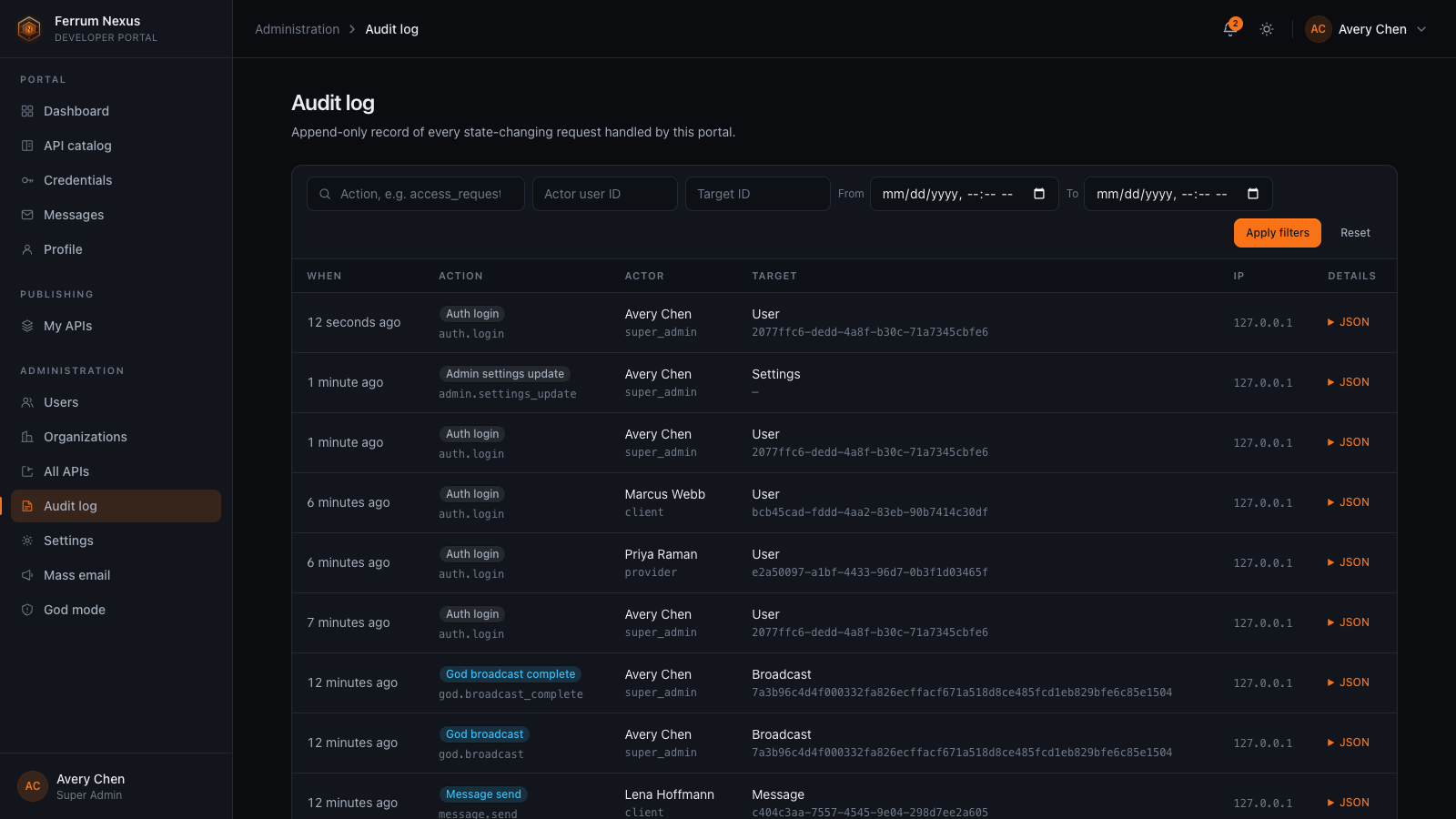
Every state-changing action writes an audit row with actor, target and redacted details, committed with the change it describes and filterable from the admin area.
White-label branding
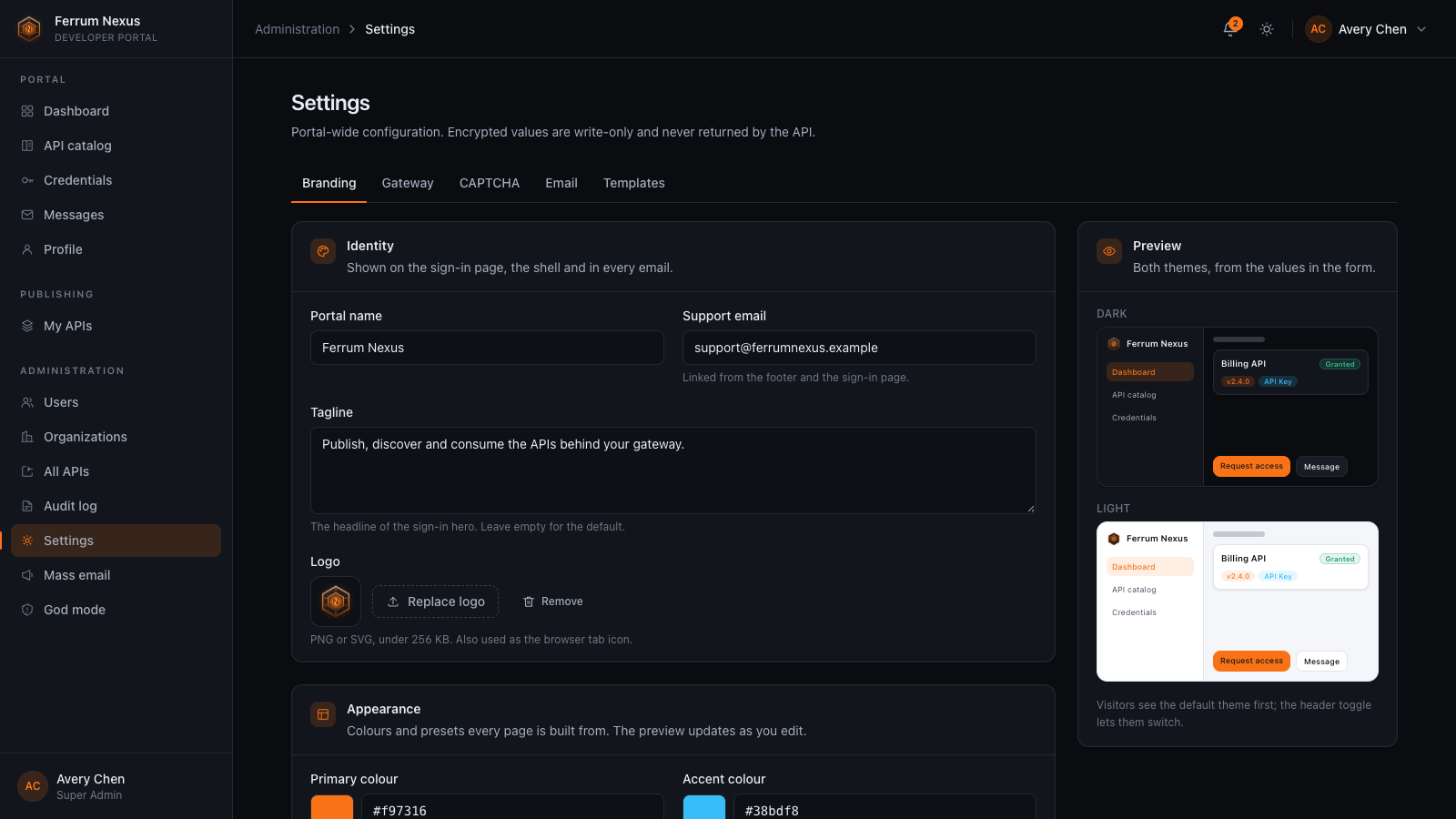
Portal name, logo, colours, typeface, corner radius, sidebar style and sign-in layout, previewed live in both themes before you save.
Safe sign-up
Optional email verification, open or closed registration, CAPTCHA that must pass its own challenge before it is saved, and a bootstrap token for the first super admin.
Any database
PostgreSQL, MySQL, SQLite and MongoDB share one logical schema with string UUID keys. SQLite is the default; MongoDB must run as a replica set.
From Published Spec to First Request
Providers publish, clients discover and request, providers decide, and the gateway enforces.
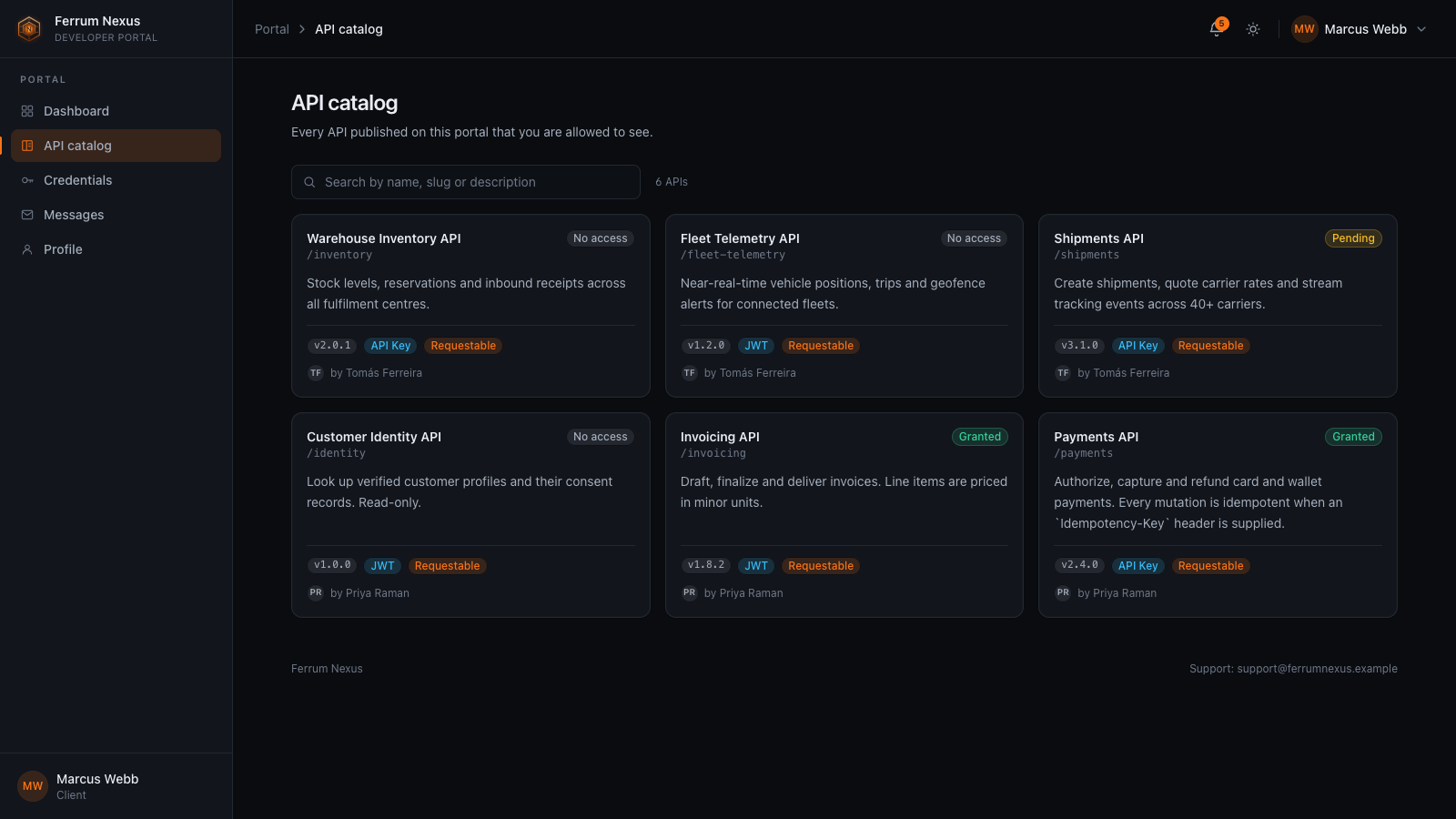
Documentation rendered from the live spec
Clients read each API's operations straight from the published OpenAPI document, with the invoke URL beside them.
- Operations, parameters, request bodies and schemas
- Version, auth type and access status per API
- Invoke URL and gateway path with one-click copy
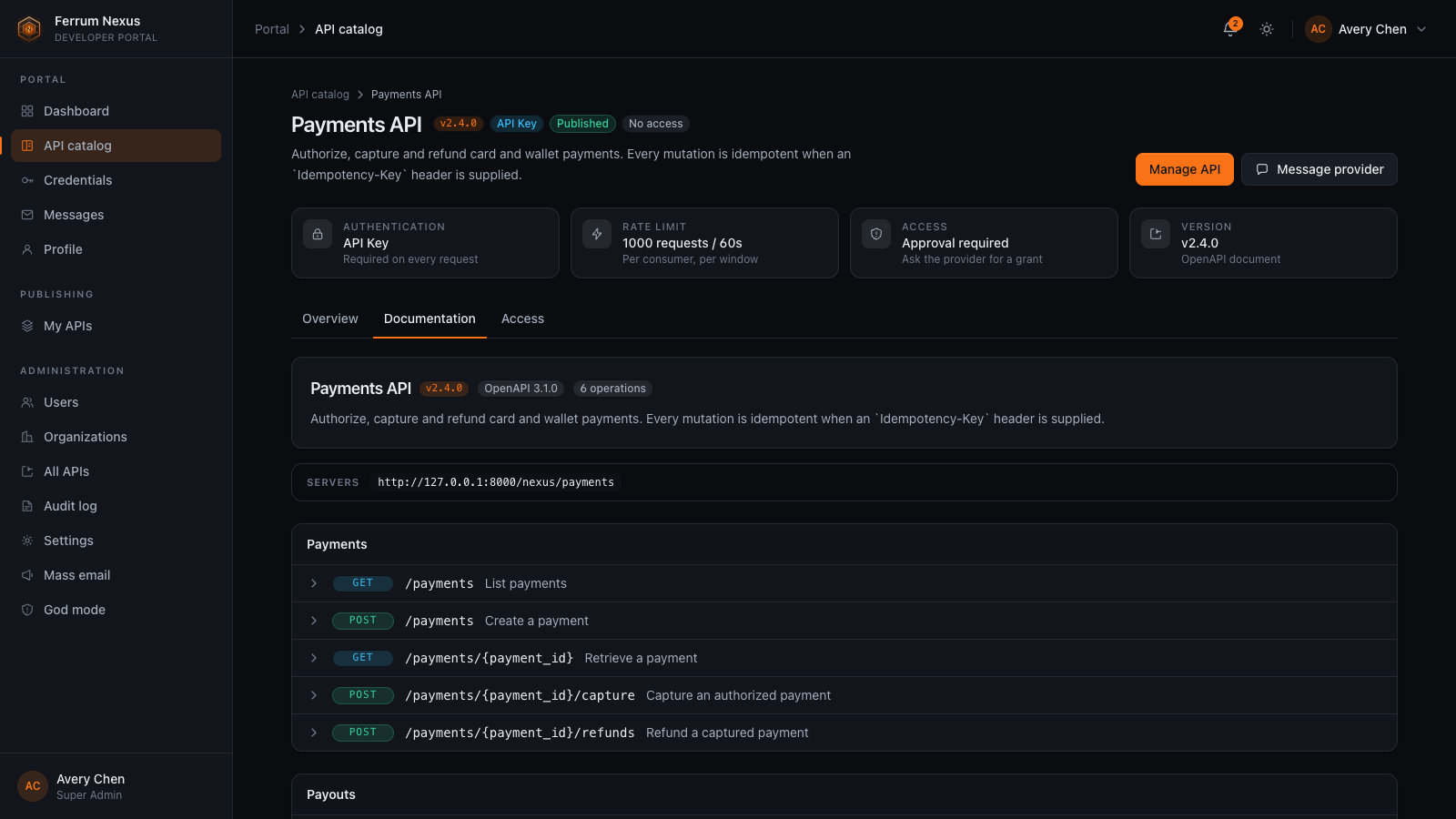
Clients justify, providers decide
A client asks for access with a justification. The provider approves or denies it with a note, and can revoke the grant later.
- Approval adds
nexus:api:<api_id>:approvedto the consumer - Providers choose whether an API needs a request at all
- In-app and email notifications on every decision
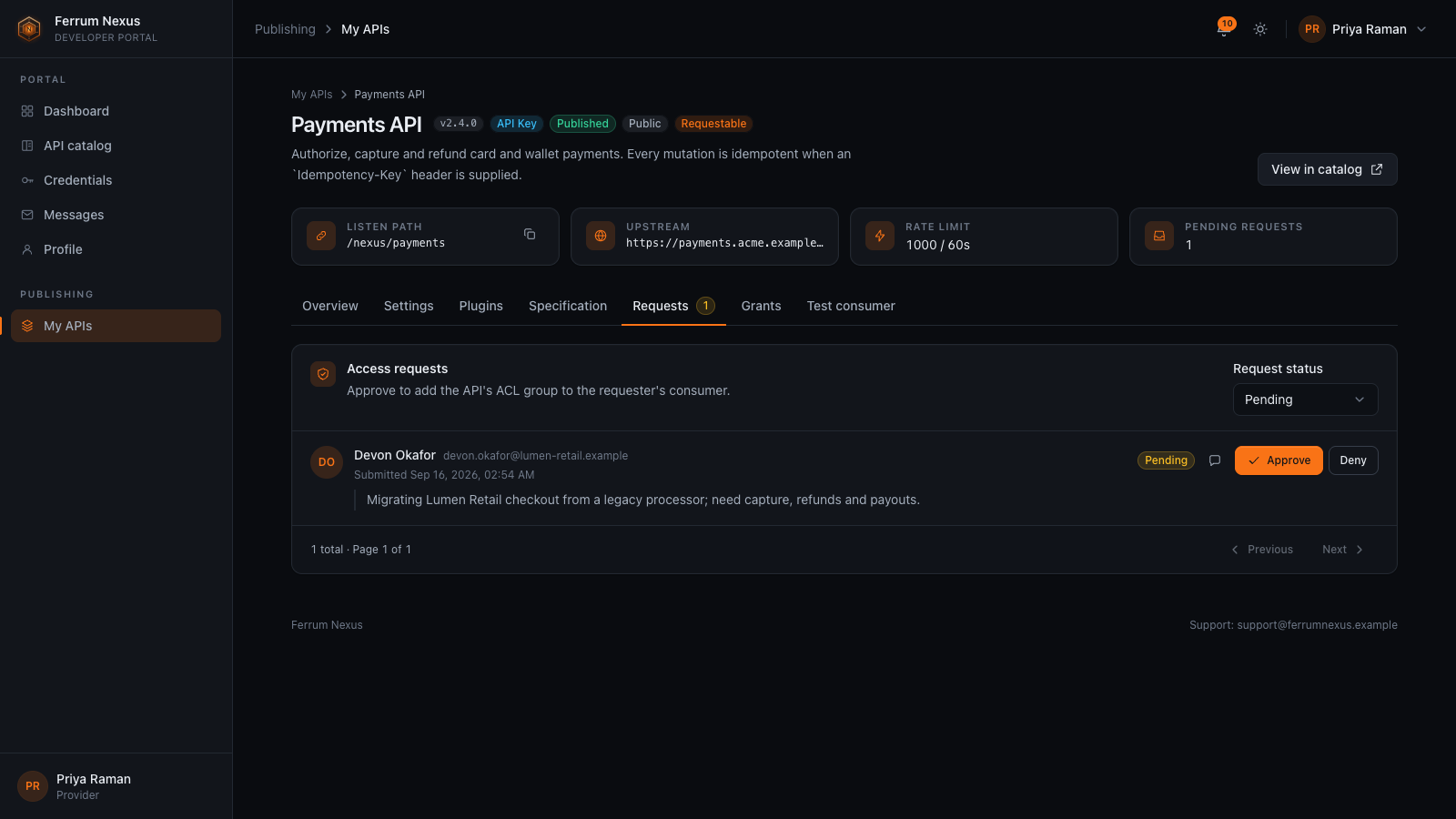
What the gateway holds, with live usage
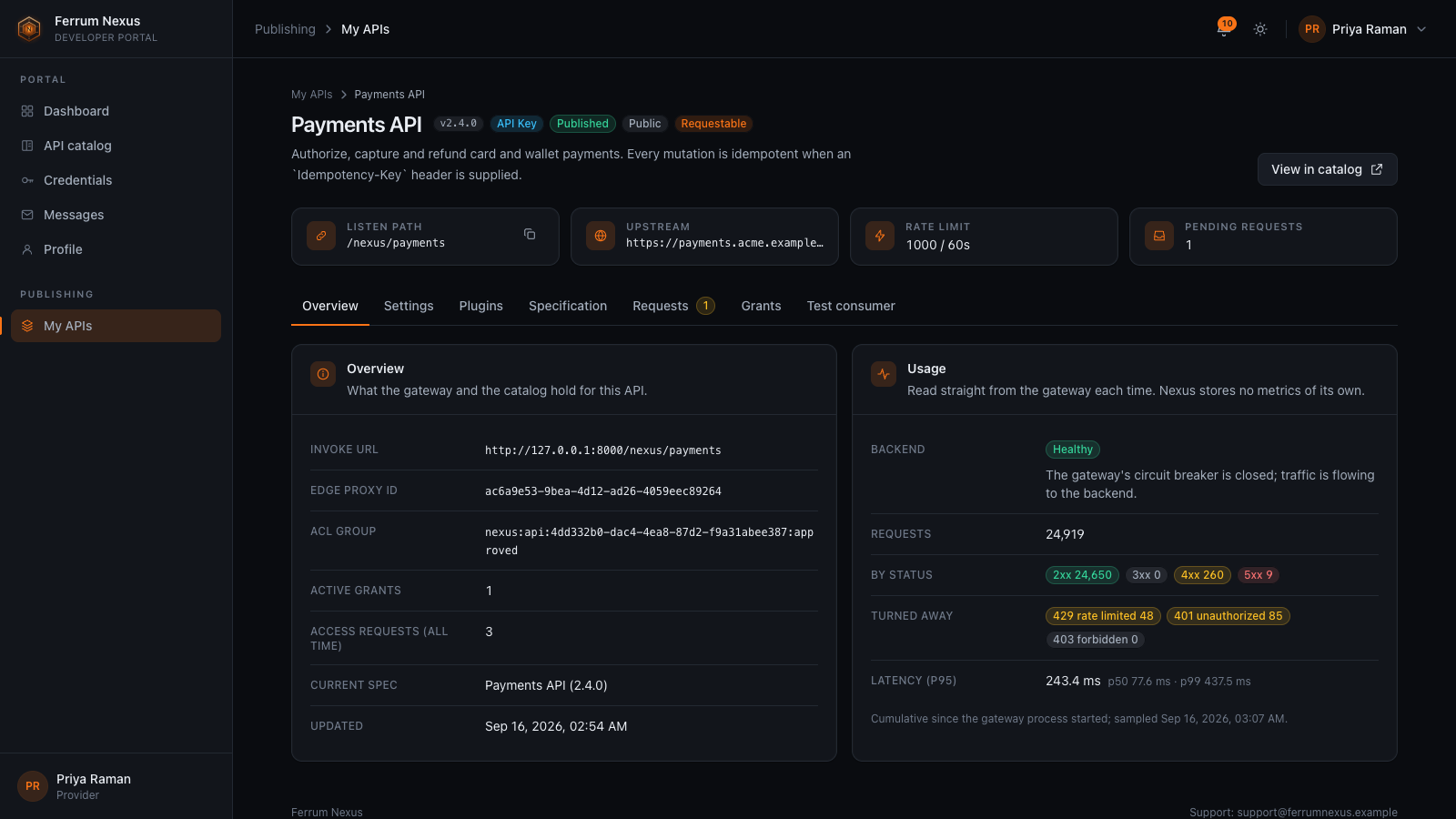
The configured listen path, upstream and rate limit sit beside usage read from Ferrum Edge on demand. Nexus stores no metrics of its own.
- Requests by status and latency percentiles
- Backend health from the gateway's circuit breaker
- Edit rate limit, auth plugin, access policy, CORS and upstream
- Test consumers for the provider's own APIs
Credentials clients control
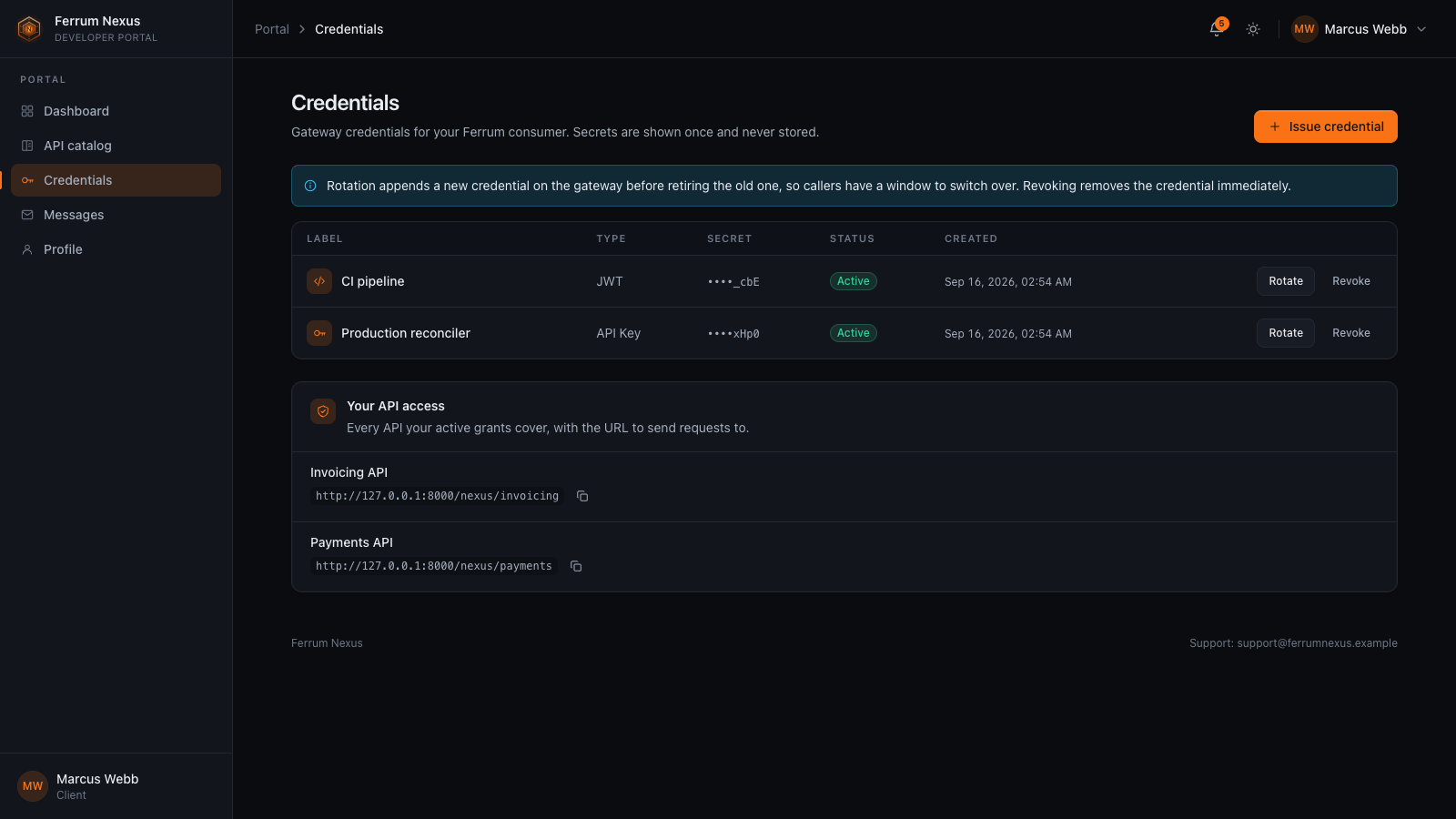
Clients issue and manage their own gateway credentials, for their account or for one of its applications. The portal never keeps the secret.
- API key, HTTP Basic and JWT credentials
- A rotation returns the new secret once and retires the old one
- Revoke immediately when a secret leaks
Questions go to the person who published the API
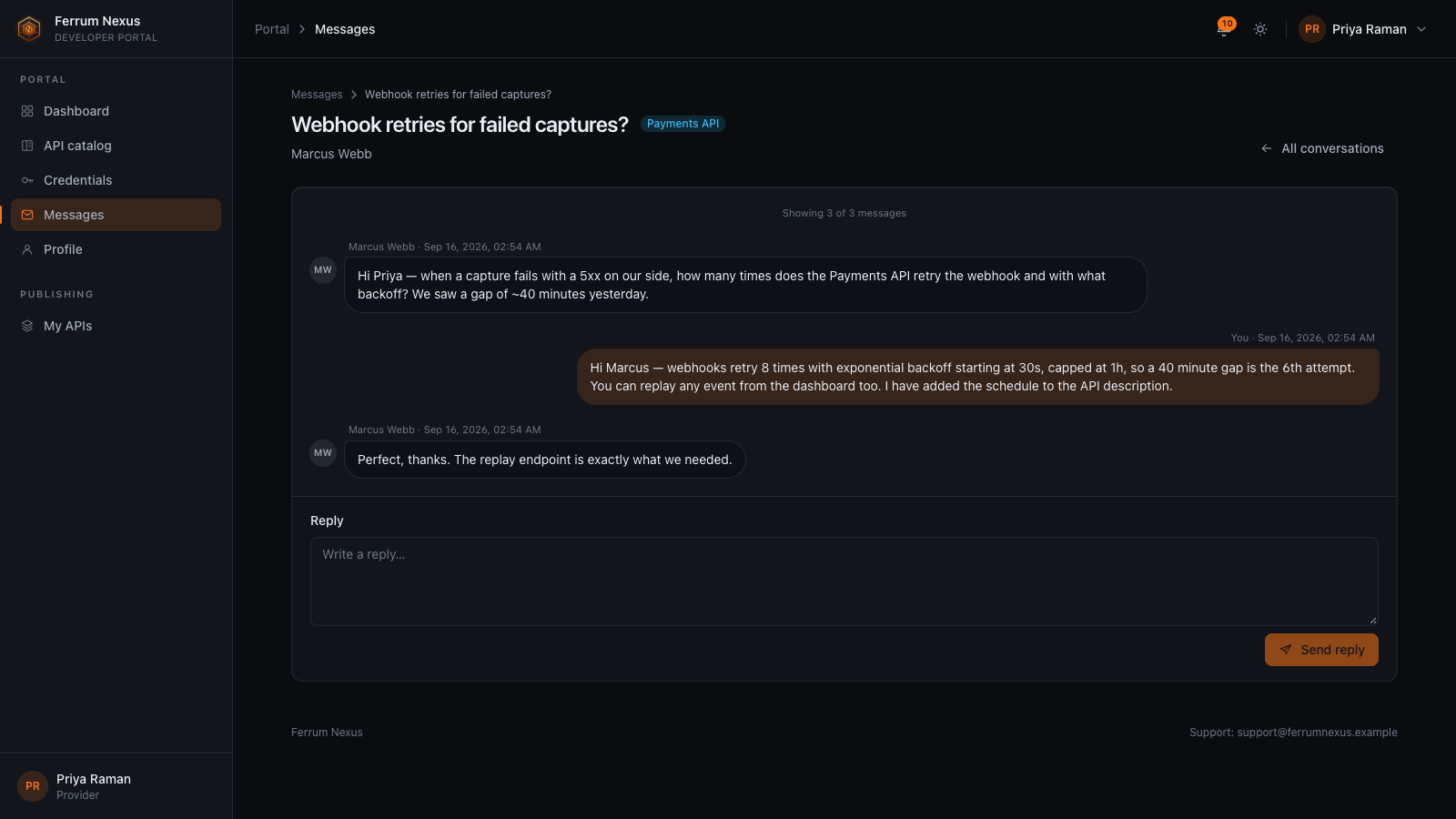
Conversations stay inside the portal, with the API attached, instead of scattering across email.
- Client and provider threads, optionally tied to an API
- Platform threads with the admins for support
- Rate limits and a daily budget per account keep spam out
Run It Like a Product
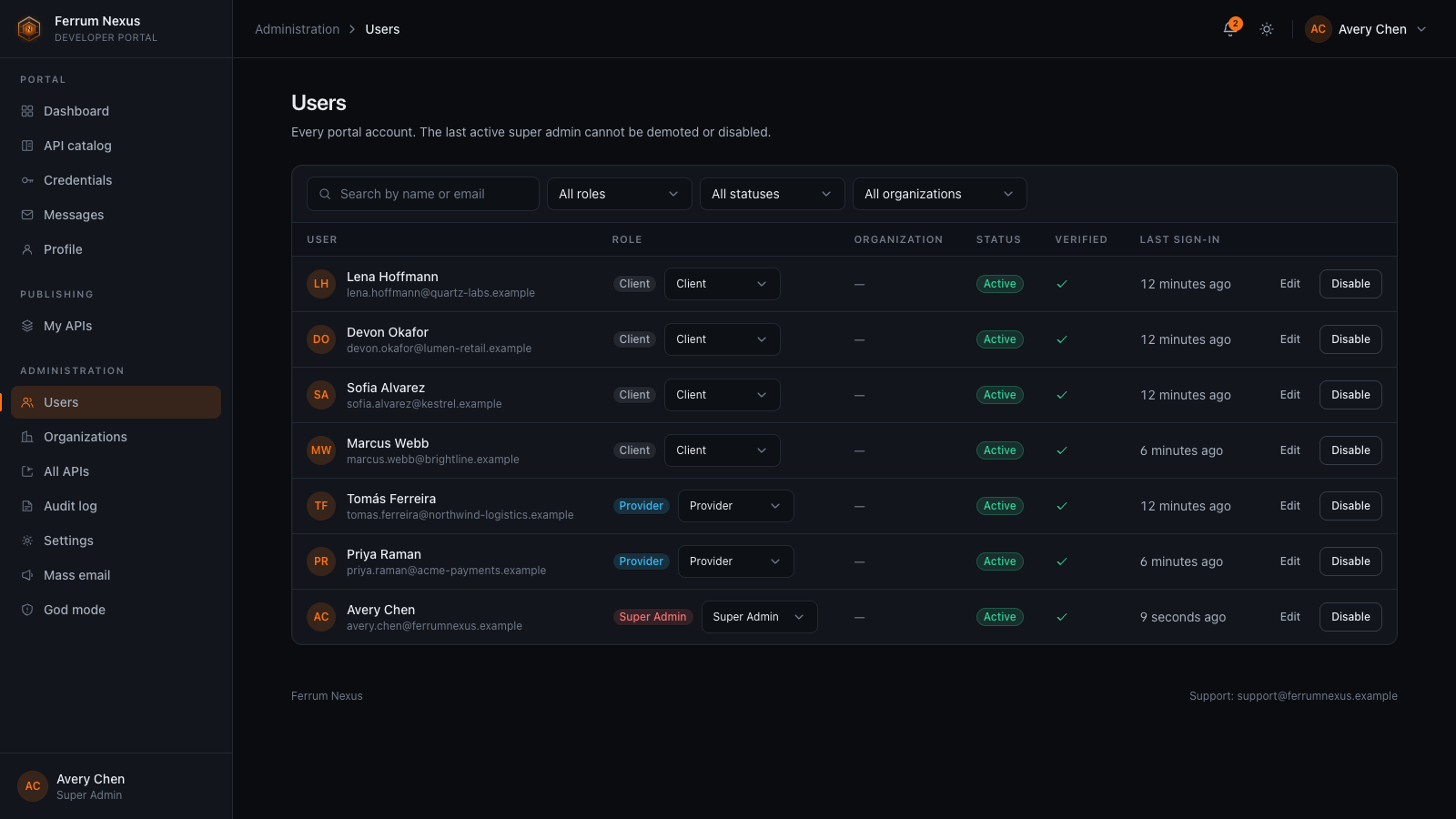
Roles are ordered (Client, Provider, Admin, Super Admin) and enforced on the server, not just hidden in the UI.
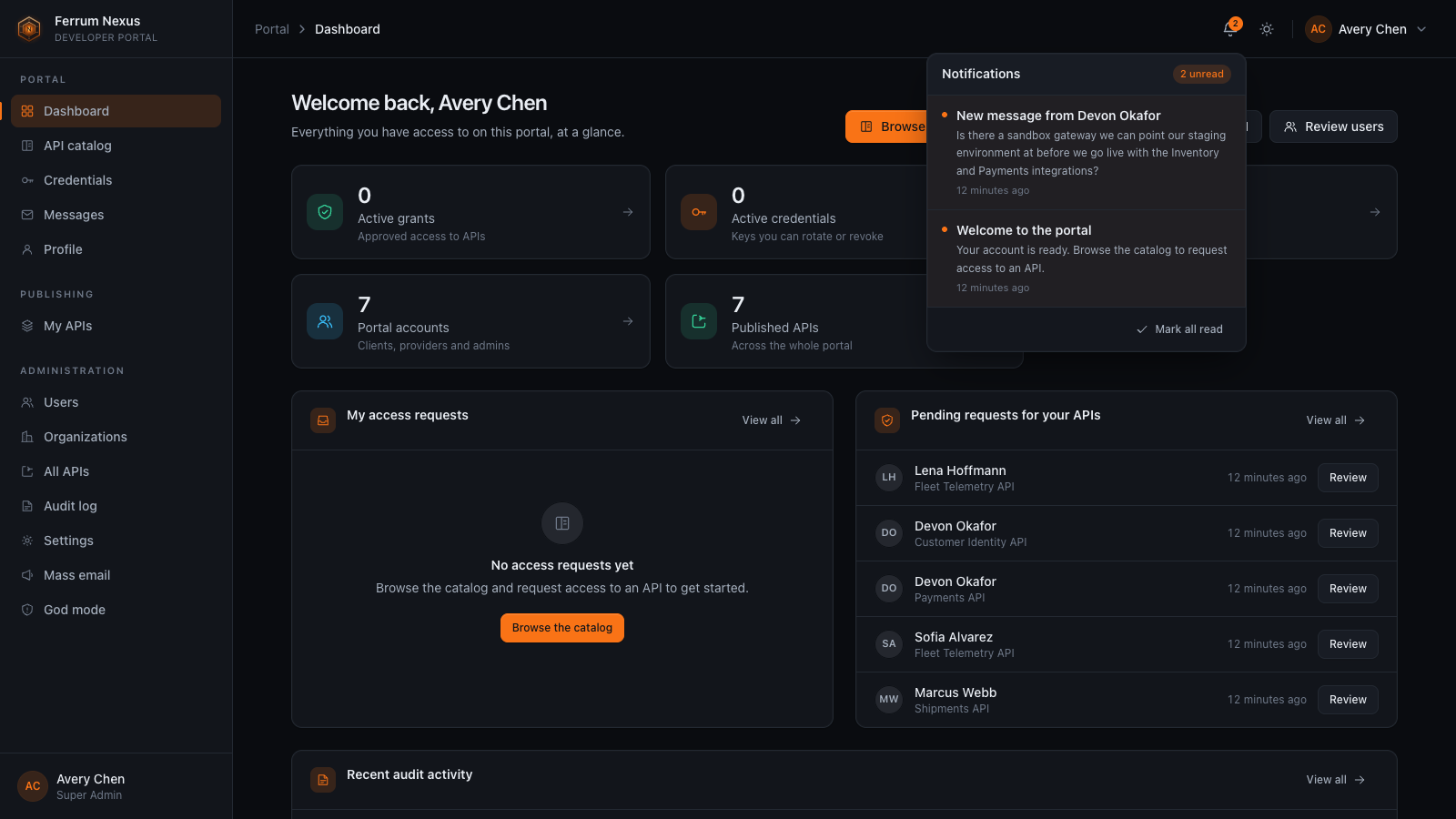
Everything an account can reach, at a glance
Each role sees only the navigation and actions it may use.
- Active grants and credentials for clients
- Pending requests to review for providers
- Portal-wide counts and recent audit activity for admins
- Bell notifications for messages, decisions and broadcasts
Make the portal yours without a fork
Admins configure branding, email templates and mass email; super admins also control SMTP, CAPTCHA, the gateway address and admin roles.
- Name, logo, colours, typeface, radius and sidebar style
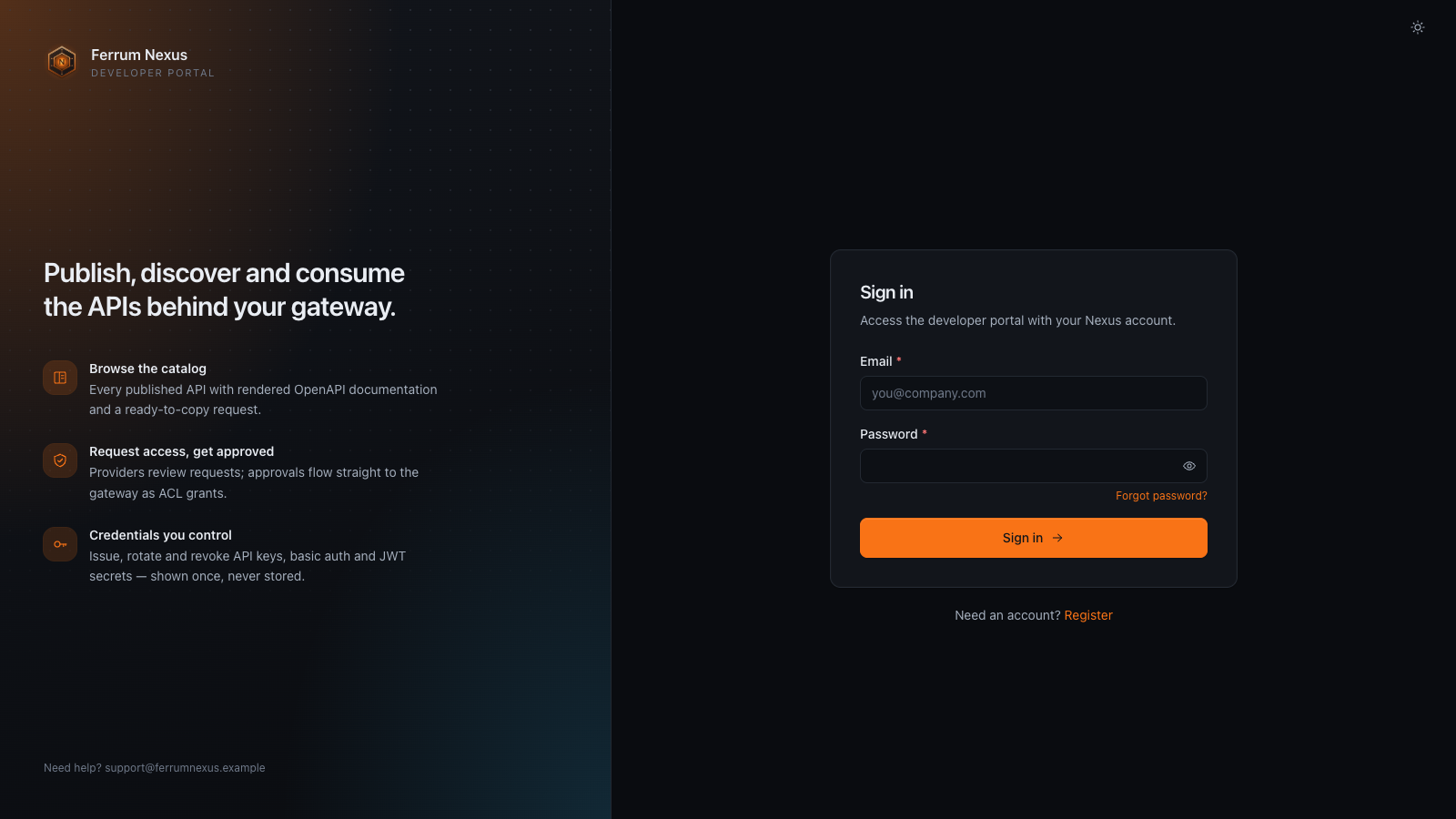
- Split or centered sign-in layout
- God mode to revoke a grant, delete an API, disable a user or broadcast, with a recorded reason
A Portal in Front of the Gateway
A backend-for-frontend owns the portal and delegates the runtime to Ferrum Edge. The browser never calls the Edge Admin API.
session + CSRF
 Ferrum NexusChecks roles and ownership, writes the audit row
short-lived JWT
 Ferrum EdgeProxies, plugins, consumers and credentials
client traffic
One consumer per identity
Each account (nexus-user-<id>) or application (nexus-app-<id>) is one Ferrum consumer. A requestable API's access_control plugin allows only its approved group.
Only its own plugin configs
Nexus records the Edge config id of each plugin config it creates and never rewrites or deletes an operator's config of the same name.
Gateway truthfulness
Usage is read from Edge on demand. A periodic reconciliation pass notices when a rebuilt or retargeted gateway no longer holds the consumers and proxies Nexus stored.
Tech Stack
An npm workspace of three packages: the web SPA, the Fastify backend and zero-dependency shared TypeScript.
Quick Start
There is no prebuilt Nexus image. Build from the release tag; the Compose stack pins the exact Edge image the release was tested with.
-
Run the full stack with Compose
bashgit clone https://github.com/ferrum-edge/ferrum-nexus.git cd ferrum-nexus git checkout --detach v0.3.0 cp docker/docker-compose.example.yml docker-compose.yml set -a . ./release/compatibility.env set +a export NEXUS_SECRET_KEY=$(openssl rand -hex 32) export NEXUS_DB_PASSWORD=$(openssl rand -hex 16) export FERRUM_ADMIN_JWT_SECRET=$(openssl rand -hex 32) export FERRUM_BASIC_AUTH_HMAC_SECRET=$(openssl rand -hex 32) docker compose up -dThis runs Nexus, PostgreSQL and Ferrum Edge v0.9.9. The portal is at
http://127.0.0.1:8787and the gateway's proxy listener athttp://127.0.0.1:8000. Keep the secrets stable for the life of the stack. -
Or run from source against your own gateway
bashnpm ci cp .env.example .env # set NEXUS_SECRET_KEY and FERRUM_ADMIN_JWT_SECRET (32+ characters each) npm run migrate npm run dev # backend :8787, web :5173Open
http://127.0.0.1:5173. SQLite is the default database.FERRUM_ADMIN_JWT_SECRETandFERRUM_NAMESPACEmust match the running gateway. -
Create the super admin and publish an API
bashdocker compose logs nexus # Compose: prints the bootstrap tokenThe first account to register becomes the super admin and must present the bootstrap token: set
NEXUS_BOOTSTRAP_TOKEN, or copy the one the server prints at startup. Then follow the getting-started walkthrough to publish an API, approve access and call it through Edge. Before production, read operations for TLS, backups, upgrades and the single-writer model.
| Variable | Default | Description |
|---|---|---|
NEXUS_SECRET_KEY | — | Master secret; session signing and settings encryption keys are derived from it (required, 32+ characters) |
FERRUM_ADMIN_URL | http://127.0.0.1:9000 | Ferrum Edge Admin API base URL, server-side only. A plain http:// URL on a non-loopback host needs FERRUM_ADMIN_ALLOW_INSECURE_HTTP=true |
FERRUM_ADMIN_JWT_SECRET | — | Shared secret for short-lived Admin API JWTs; must match the gateway (required, 32+ characters) |
FERRUM_NAMESPACE | nexus | Gateway namespace Nexus manages; must equal the gateway's own FERRUM_NAMESPACE |
FERRUM_GATEWAY_PUBLIC_URL | — | Public origin of the gateway's proxy listener, used to build each API's invoke URL |
NEXUS_BOOTSTRAP_TOKEN | generated | Token the first registration must present to become super admin (16+ characters); set it when running more than one instance |
NEXUS_PUBLIC_URL | http://127.0.0.1:5173 | Public origin of the portal, used in emails and CORS |
NEXUS_DB_DRIVER | sqlite | sqlite, postgres, mysql or mongodb (with NEXUS_DB_URL) |
NEXUS_PORT / NEXUS_WEB_PORT | 8787 / 5173 | Backend bind port and Vite dev-server port |
NEXUS_COOKIE_SECURE | true | Secure session cookies and HSTS. Set false only for plain-http local use |
Works With the Rest of the Stack
Licensing
Ferrum Nexus is licensed under PolyForm Noncommercial 1.0.0 for personal, research, educational and nonprofit use. A commercial license is available for commercial use.